 ManyStops
Which shopping list apps learn your store, and what that means
There is a small, specific misery in walking back across a supermarket for the one thing you missed. A list in the order you actually walk the store fixes it, and every list app now promises to do exactly that. They keep the promise in three different ways, and the way they keep it decides where it works and where it quietly stops working. We have tried all three and we build one of them. What follows is a look at the whole picture, with our own thumb on the scale admitted up front.
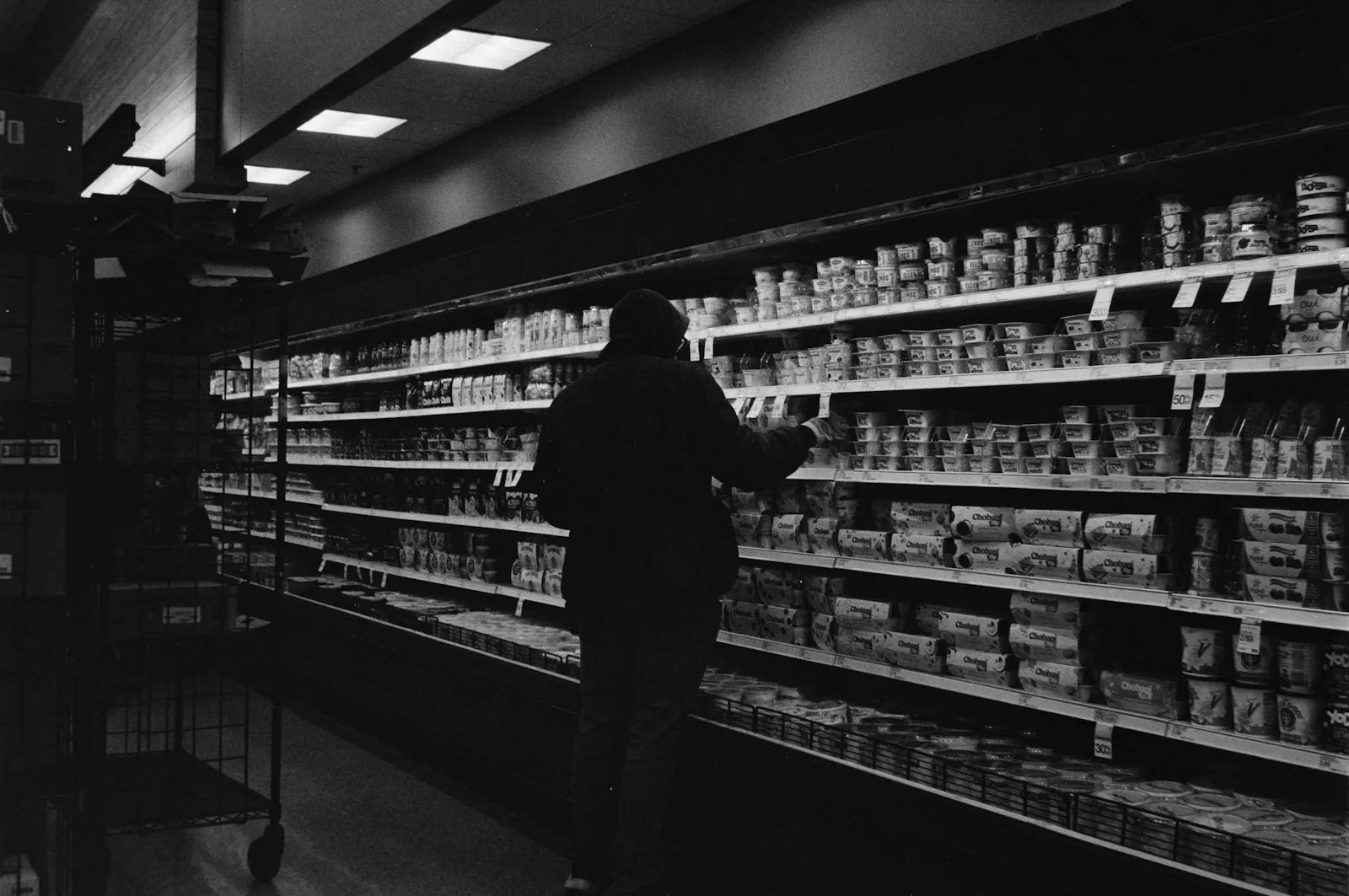
The first way: a map of the chain
Some apps carry a map of every big chain's stores, aisle by aisle. Open your list at one of those chains and it comes out in walking order on your very first visit, which is the best first visit there is. The catch is in the word chain. The map stops at the door of any store the app has never mapped, and that is most of the interesting ones. The independent grocer, the Asian market with the good noodles, the co-op on the corner, the little place that sells the bread you like. Walk into one of those with a chain-map app and the list goes back to alphabetical order, and the app does not tell you it has given up.
The second way: asking you
Other apps ask you to say which aisle each item lives in. Do that once and the list is in order at any store you care to describe. The cost is the describing. A household with sixty regular items and three stores has a hundred and eighty answers to give before the feature does anything, and it is the kind of chore that gets done for the first ten items and then abandoned. Worse, the answers rot. Stores move things. The cereal that lived in aisle four is in aisle nine after the refit, and now the list is confidently wrong until somebody goes back and fixes it.
The third way: learning from your trips
The third kind of app asks nothing at all. It notices the order you tick things off as you shop, and the next time you are in that store it puts the list in that order. It works at any store on the second visit, with nothing to set up. Nobody needs to have mapped the store first. The first visit is in whatever order the app can guess from the categories, which is usually a fair guess and rarely a perfect one.
This is the way ManyStops does it, and we should be honest that we are no longer alone. When we started, learning walk order from real trips was rare. Now several list apps do it, and it is fair to call it an ordinary feature these days. What still varies is what the learned order is attached to, and we will come back to that.
What "learns" actually means
People sometimes hear the word and imagine something watching them. It is a much plainer thing than that. The app notices the order you pick things up at a store. The next time you are there, the list comes out in that order.
The limits, plainly
- The first visit. Nothing has been learned yet. ManyStops fills the gap with the walks of other shoppers at the same store, where there are any, with nothing about those shoppers attached. At a store nobody has walked before, the first trip is a category guess like everybody else's.
- A store that changes. When the aisles move, the learned order is wrong until a trip or two teaches the new one. There is no way round that, and an app that claims otherwise is guessing.
- Things you have never bought there. A new item has no position yet. It goes where its category suggests until you pick it up once.
Where the difference is now
Since several apps learn aisle order, the order itself is no longer the reason to pick one. The reason is what sits around it. A list that is only a list is finished the moment the last item is ticked, and the walk it learned is all it knows about you. A list that also carries your own prices, the distance to each store and the meals you have planned for the week can do more with the same walk. It can say which store to go to, roughly what the trip will cost, and whether this is a week you can skip.
That is the part we care about, and the learned order is the piece that makes the rest possible at a store nobody has mapped. If you shop at one big chain and nowhere else, any of the three ways will serve you well. If your week includes the little places, the third way is the only one that will follow you in.
Read next: Shopping at independent and international grocers